
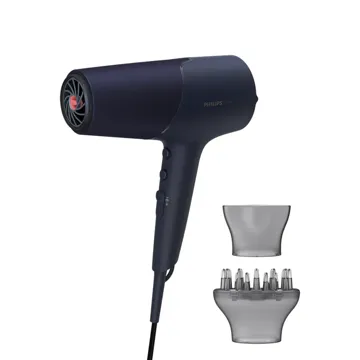
Philips
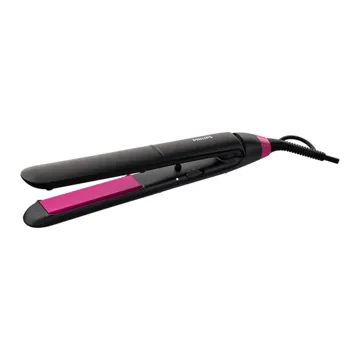
Philips Hair Dryer
Personal Care Appliances
GH₵1,350.00
1 / 1 Tap or click to enlarge
Sold by Maxibern Technologies
Replacement heads for Shaver Series 5000 & 6000
SH50 replacement heads are compatible with Shaver series 5000 (S5xxx) excluding S55xx, Shaver series 6000 (S6xxx), AquaTouch (AT8xx, AT7xx, S5xxx) and PowerTouch (PT8xx, PT7xx).
Replace your shaving heads in just two steps
The latest Philips shavers have an inbuilt replacement reminder in the form of a shaving unit symbol. This symbol will light up and indicate when to replace the shaving heads.
Easy to replace shaving heads
1. Open the shaver by pressing the “release” button; 2. Remove the retaining rings by turning them anti-clockwise; 3. Take out the old shaving heads and carefully insert replacements; check that the heads align exactly in the setting; 4. Replace the retaining rings and secure them by turning the lock clockwise; 5. When you close the shaving head properly, you will hear it click into place.
Reset your shaver after replacing shaving heads
After replacing the shaving heads, you can reset the replacement reminder by pressing the on/off button for more than 7 seconds. Otherwise, the replacement trigger will turn off automatically after 9 successive shaves.
Reset your shaver to new
To get back to 100% performance, replace your shaving heads every 2 years.
Blades raise then cut long and short hairs for a fast shave
Get a shave that’s fast and close. Our MultiPrecision blades raise and cut all hairs and remaining stubble – all in a few strokes.
Super Lift and Cut Action lifts hairs to cut comfortably close
Shave closer with the dual-blade Super Lift and Cut action. The first blade raises each hair while the second blade comfortably cuts below skin level, for really smooth results.
Check the exact model and listed specifications before ordering. Choose delivery or scheduled collection at checkout; your order page shows the estimated date.
| Brand | Philips |
|---|
Delivery fees and estimates depend on your supported Ghana location and reviewed items. Choose free office collection when available, or request a quote for special handling.
Check the model, technical specifications and compatible accessories before ordering. Installation is not included unless explicitly listed.
Warranty terms vary by model. Review the product details for any stated cover. For collection, wait until your account shows Ready for collection.
Philips
Personal Care Appliances
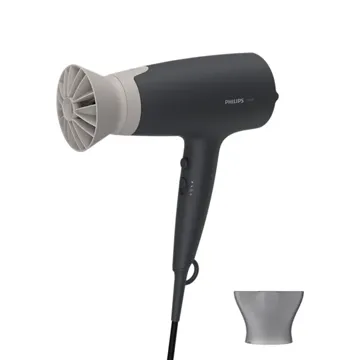
Philips
Personal Care Appliances
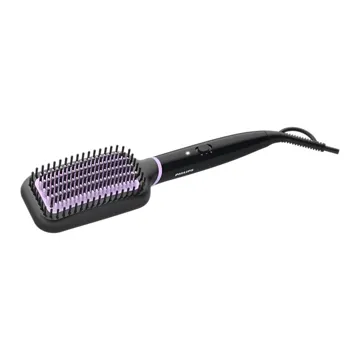
Philips
Personal Care Appliances
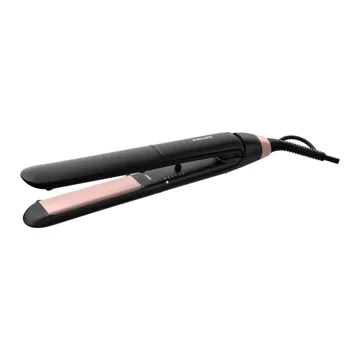
Philips
Personal Care Appliances
Philips
Personal Care Appliances